> ## Documentation Index
> Fetch the complete documentation index at: https://voucherify-pz-test.mintlify.site/llms.txt
> Use this file to discover all available pages before exploring further.
# Team Management
> Managing your team in Voucherify
[Suggest Edits](/edit/team-management)
* Identify how you want to structure teams working with Voucherify.
* Think of roles and permissions necessary to manage campaigns.
* Learn more about user management and approval workflows.
Invite team members with specific roles and set up approval workflows to keep your campaigns safe.
***
User management starts with mapping how various departments, such as marketing, customer support, and engineering, can **collaborate to create and maintain Voucherify campaigns**. To restrict access to campaigns, Voucherify provides **four layers of protection**:
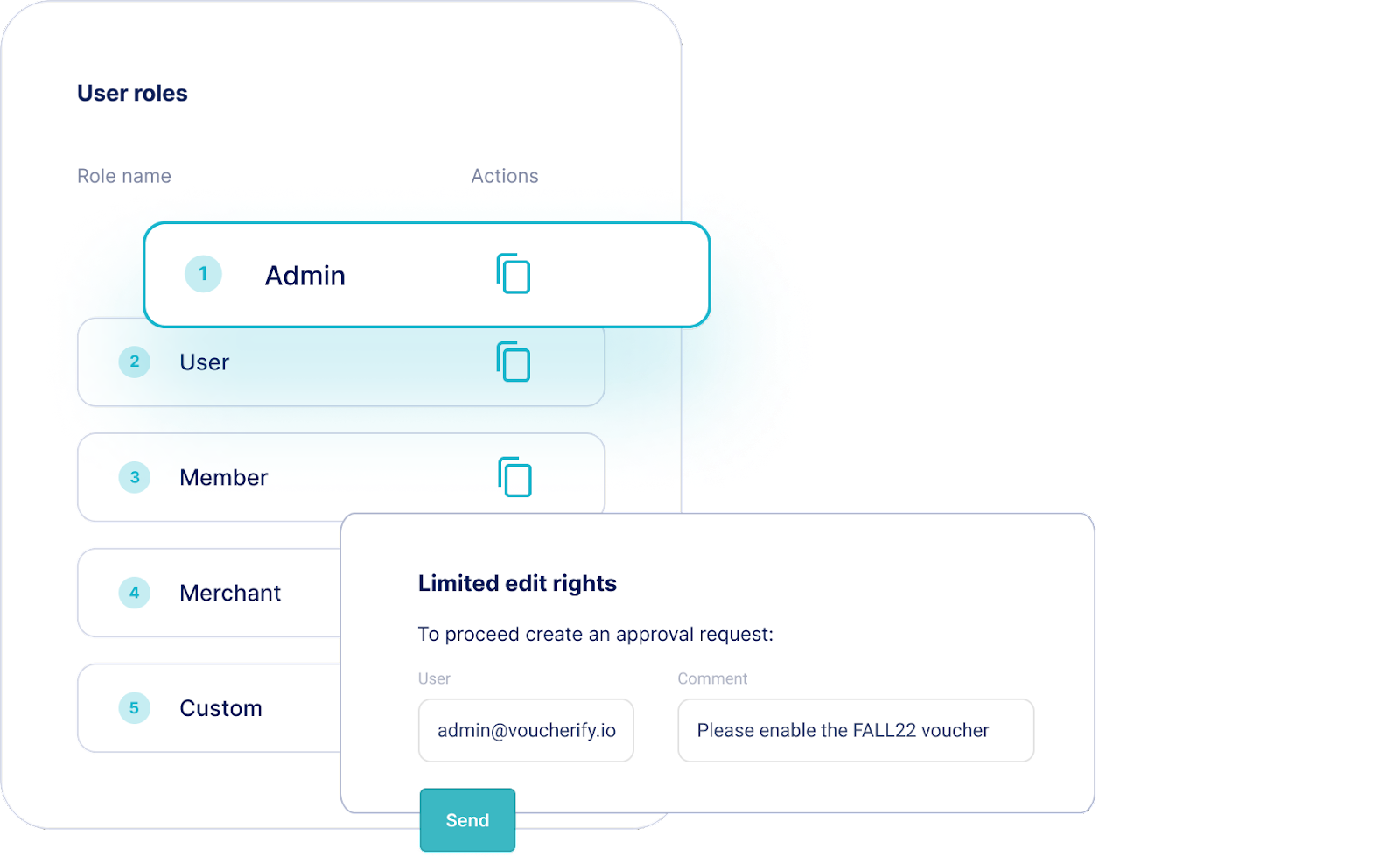
* **[Default and custom user roles](https://support.voucherify.io/article/40-how-does-the-access-control-work-in-voucherify "User roles and access control")** – Admin, User, Viewer, Merchant, and Custom with fine-grained rights.
* **Approval workflows** – requesting campaign approval with email and in-app notifications.
* **Separate API keys** – each user can have [separate API keys](/docs/getting-started#get-your-api-keys). You can also add separate API keys per integration.
* **Account security** – MFA and SAML.
Each project can have separate access options. Voucherify also does not limit the number of users within the account.
Voucherify [Management API](/docs/management-api "Management API"), available as an Enterprise feature, enables you to assign or unassign users across multiple projects. You can conveniently list users, retrieve specific user details within a project, or update user roles as needed.